typetest
A fast, minimal typing test app with multiple game modes, persistent stats, and a clean dark UI.
Live: blues1998.github.io/TypingTest1
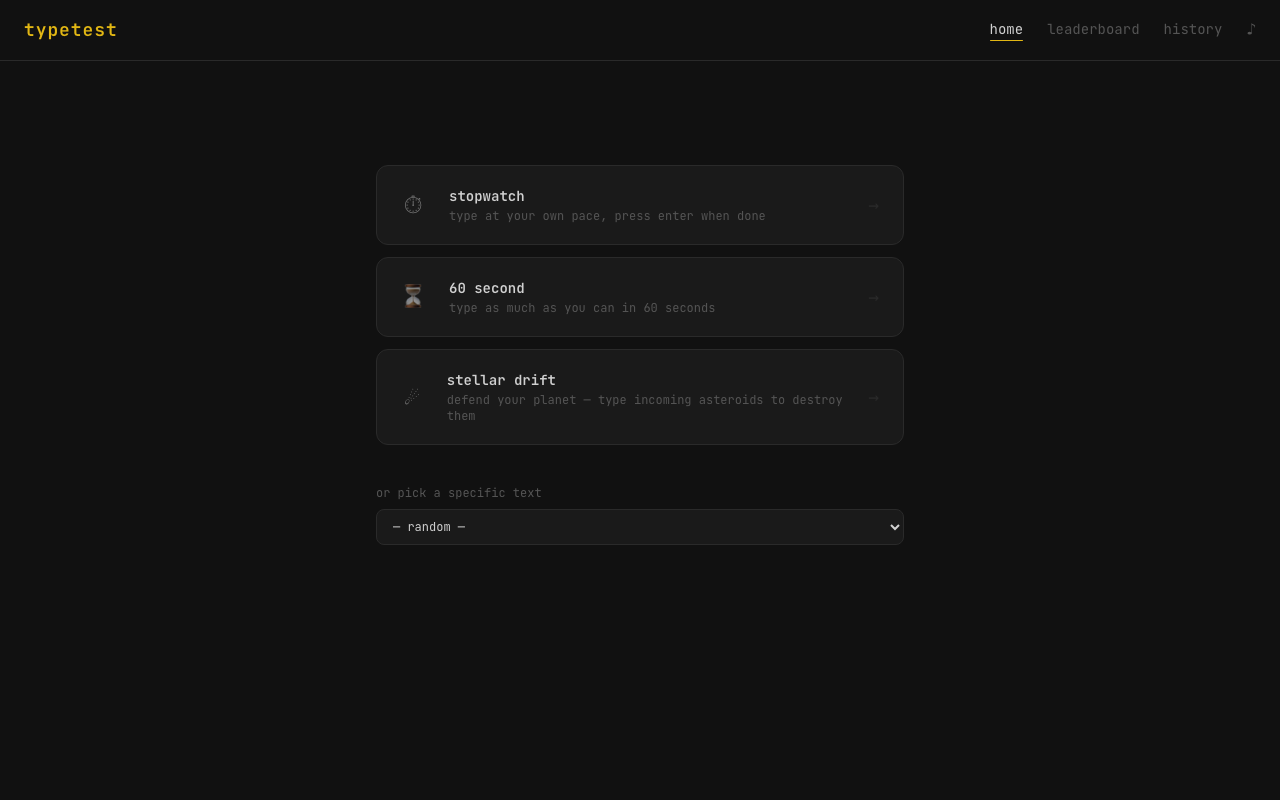
Modes
Typing
| Mode | Description |
|---|---|
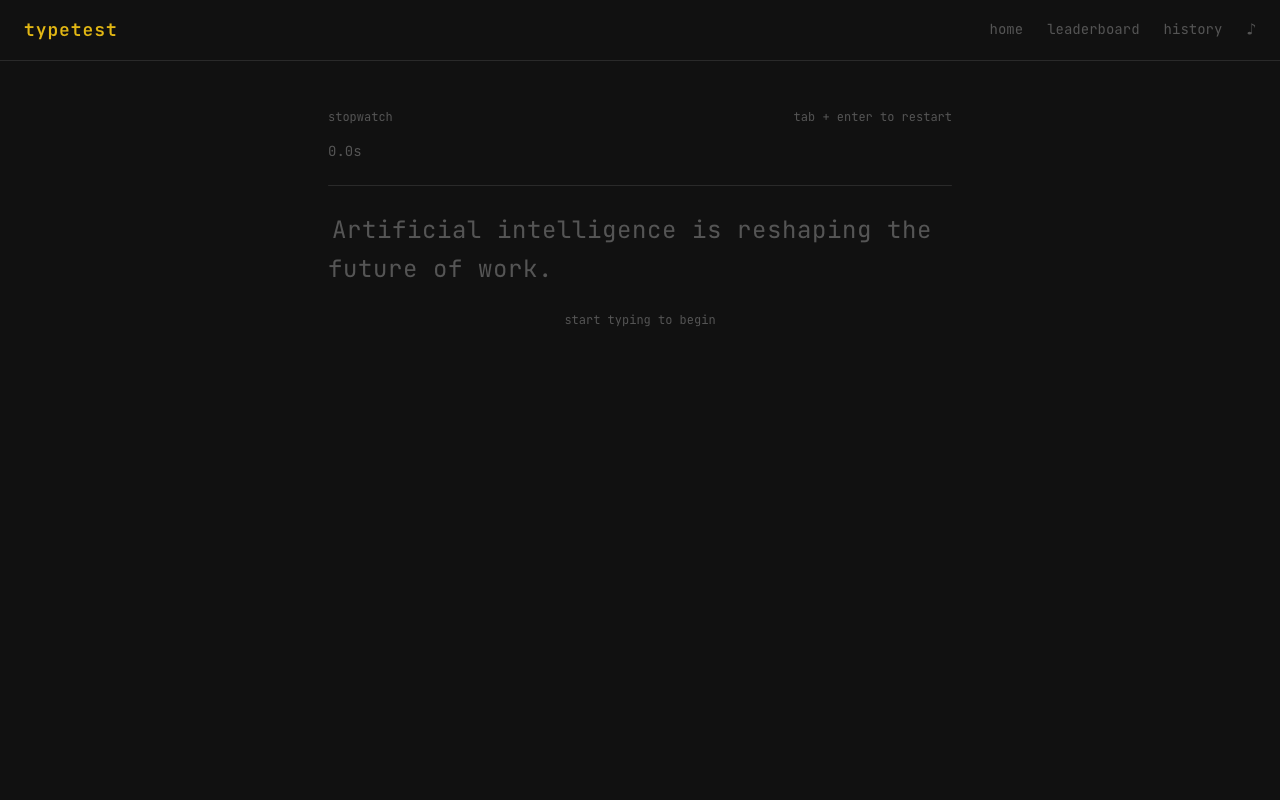
| Stopwatch | Type at your own pace, press Enter when done |
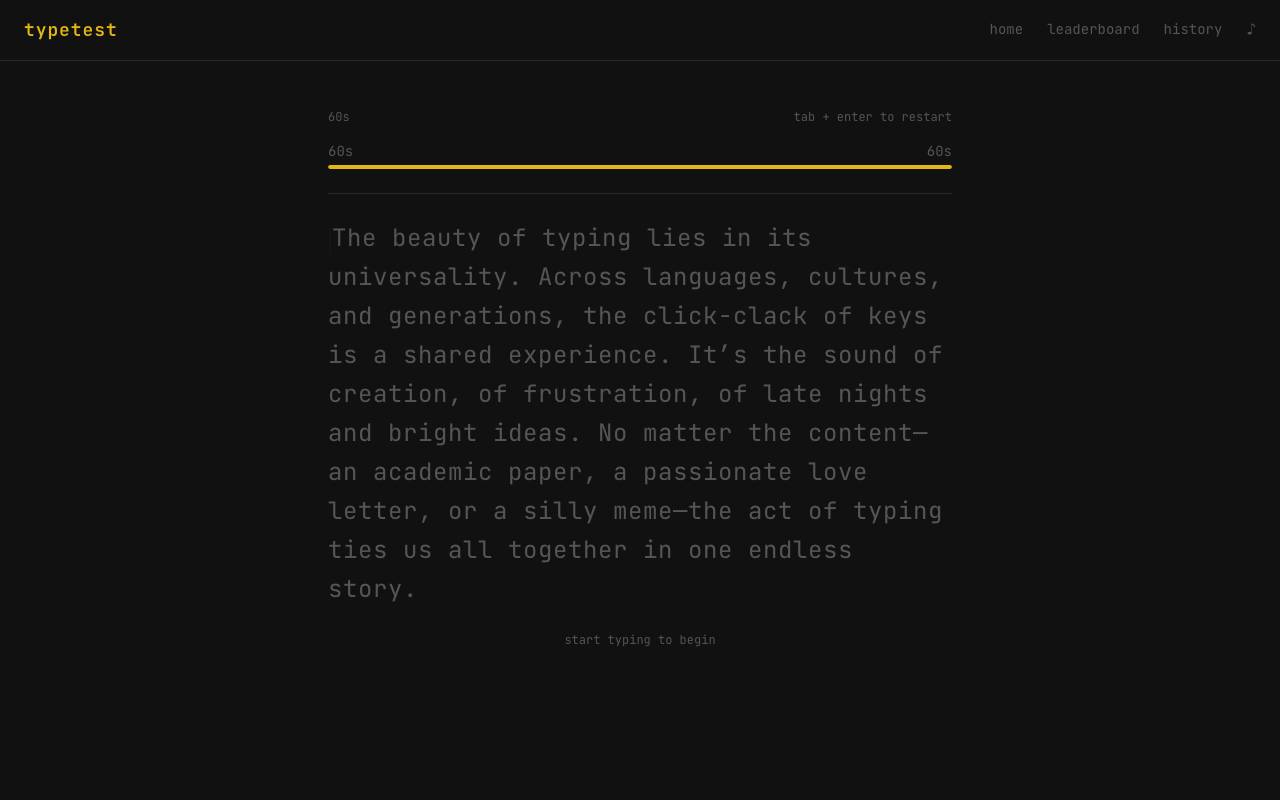
| Countdown | Type as much as possible before time runs out (15 / 30 / 60 / 120s) |
| Word count | Race through an exact number of words (10 / 25 / 50 / 100) |
| Quotes | Famous quotes from literature and history |
| Code snippets | Real code - brackets, indentation and all |
| Daily challenge | Same passage for everyone, resets at midnight |
Challenge
| Mode | Description |
|---|---|
| Ghost race | Browse your recorded runs and race against your previous best on the same text |
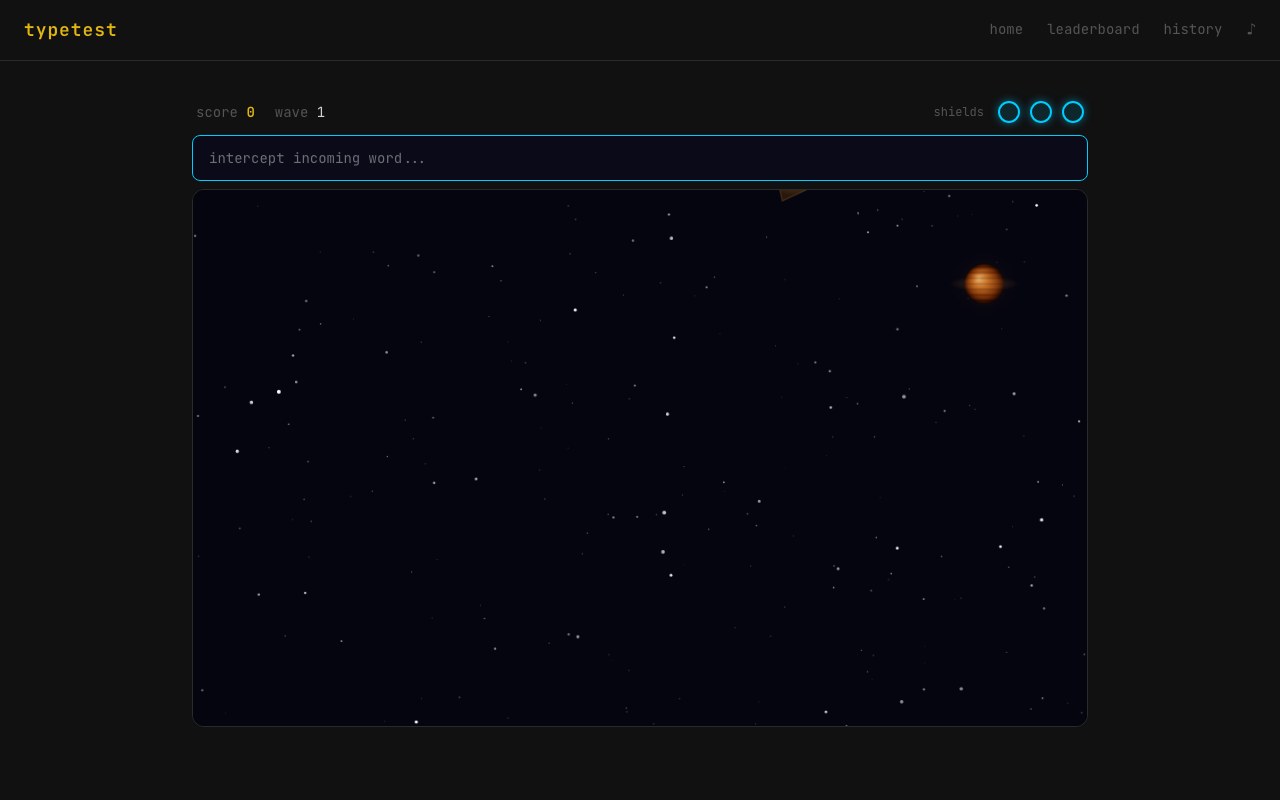
| Stellar Drift | Asteroids fall from above - type the word on each to destroy it before they reach the planet |
| Survival | Type words to add time; run out and it's over |
Features
- Per-key accuracy heatmap - see your weakest keys across all sessions
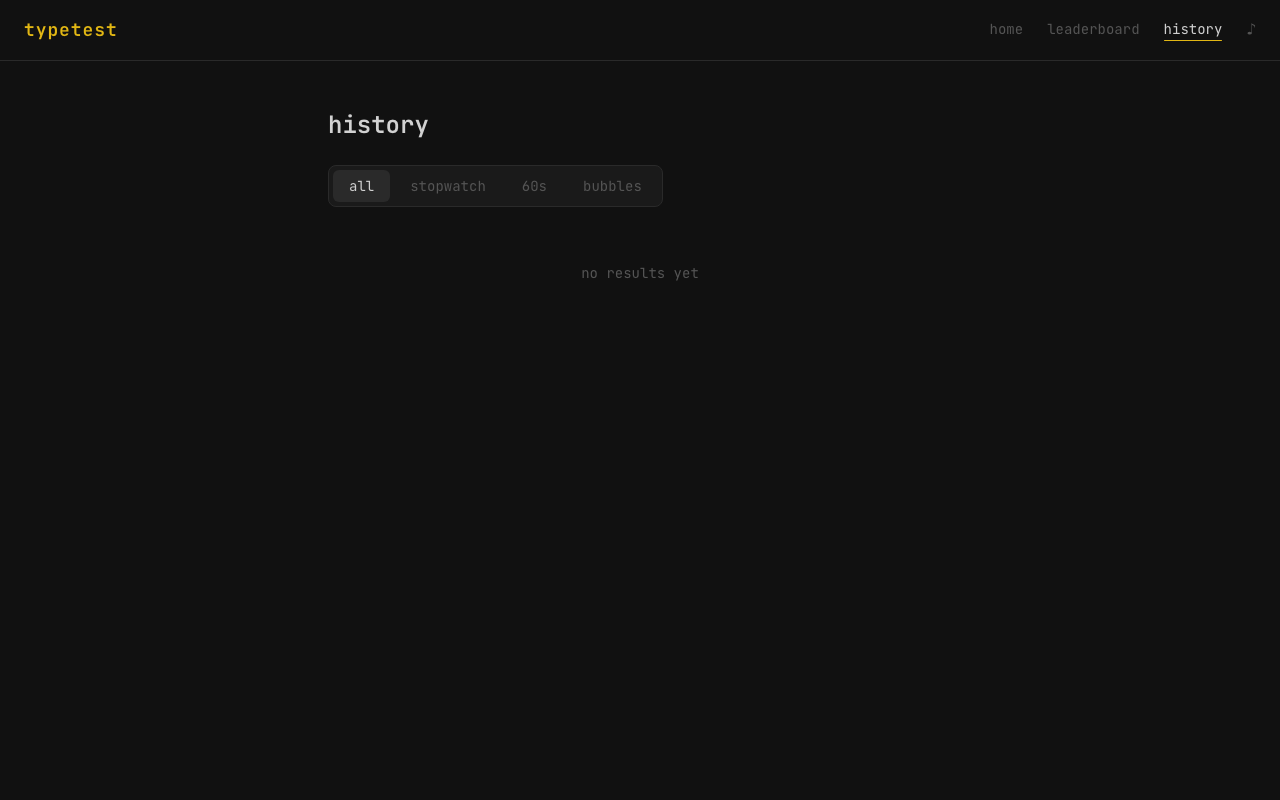
- Persistent stats - WPM history, accuracy trends, average over 7 / 30 / 90 days / all-time
- Ghost replay - every stopwatch run records a replay; the ghost race lobby lets you pick a saved text and race your past self
- Achievements - 26 badges across 4 tiers (Bronze → Diamond)
- Daily streak - tracks consecutive days of practice
- Customisation - caret style (line / block / underline), font (JetBrains Mono / Fira Code / system), dark/light theme
- Language packs - English, Spanish, French, German
- Text modifiers - inject numbers and punctuation into passages
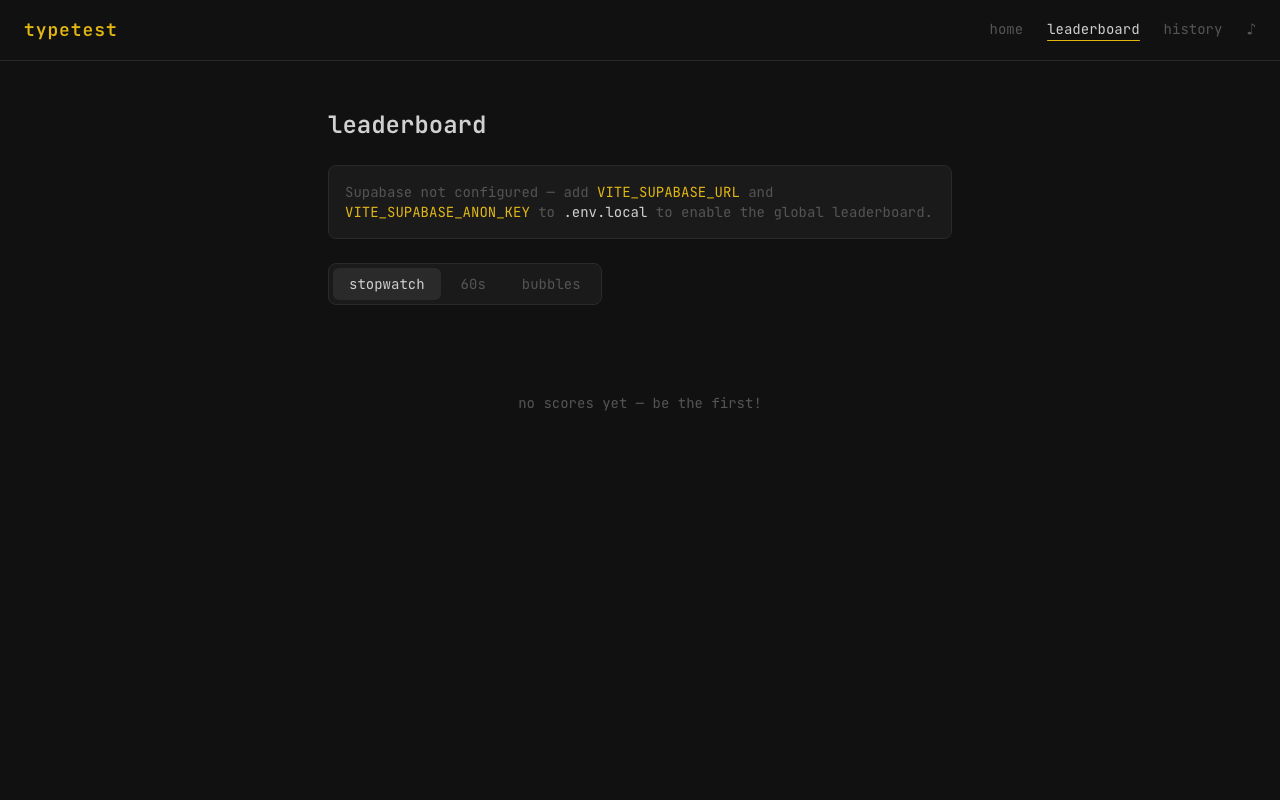
- Online leaderboard - powered by Supabase
Tech stack
- React 19 + Vite 8
- Tailwind CSS v4 with CSS custom properties for theming
- Framer Motion for page transitions and animations
- Recharts for WPM history graphs
- Supabase for leaderboard persistence
- Vitest + @testing-library/react - 236 tests
Getting started
# Install dependencies
npm install

# Start dev server
npm run dev

# Run tests
npm test

# Production build
npm run build
Leaderboard (optional)
The leaderboard requires a Supabase project. Copy .env.local.example to .env.local and fill in your project URL and anon key. The app works fully without it - the leaderboard page just won't save scores remotely.
Screenshots
|
|
 |
 |
 |
 |